
Select PDF files
Choose the PDF documents you want to combine from your Android phone.
Merge PDF combines selected PDF documents into a single file. It is useful when related pages or documents need to be kept and shared together.
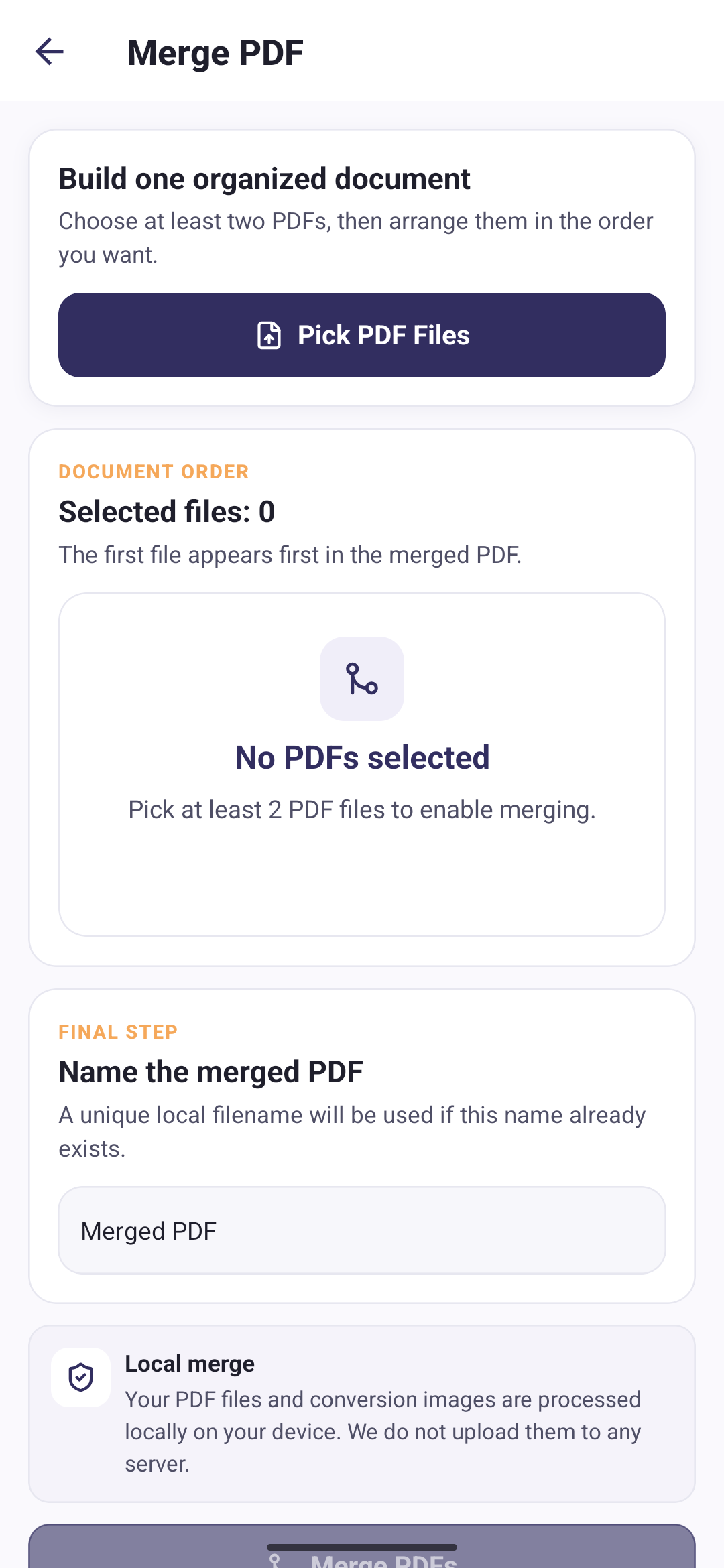
Choose the PDF documents you want to combine from your Android phone.
Reorder the selected files so the merged document follows the sequence you need.
Create one combined PDF file locally on your device.
Arrange the selected PDF files before merging so the combined document follows the order you expect.
Your PDF files and conversion images are processed locally on your device. We do not upload them to any server.
Direct answers about this PDF Tools feature.
Yes. You can arrange the selected PDF files before creating the merged document.
No. PDF Tools merges the selected documents locally on your Android phone.
Large, corrupted, or password-protected PDFs may not merge correctly.