
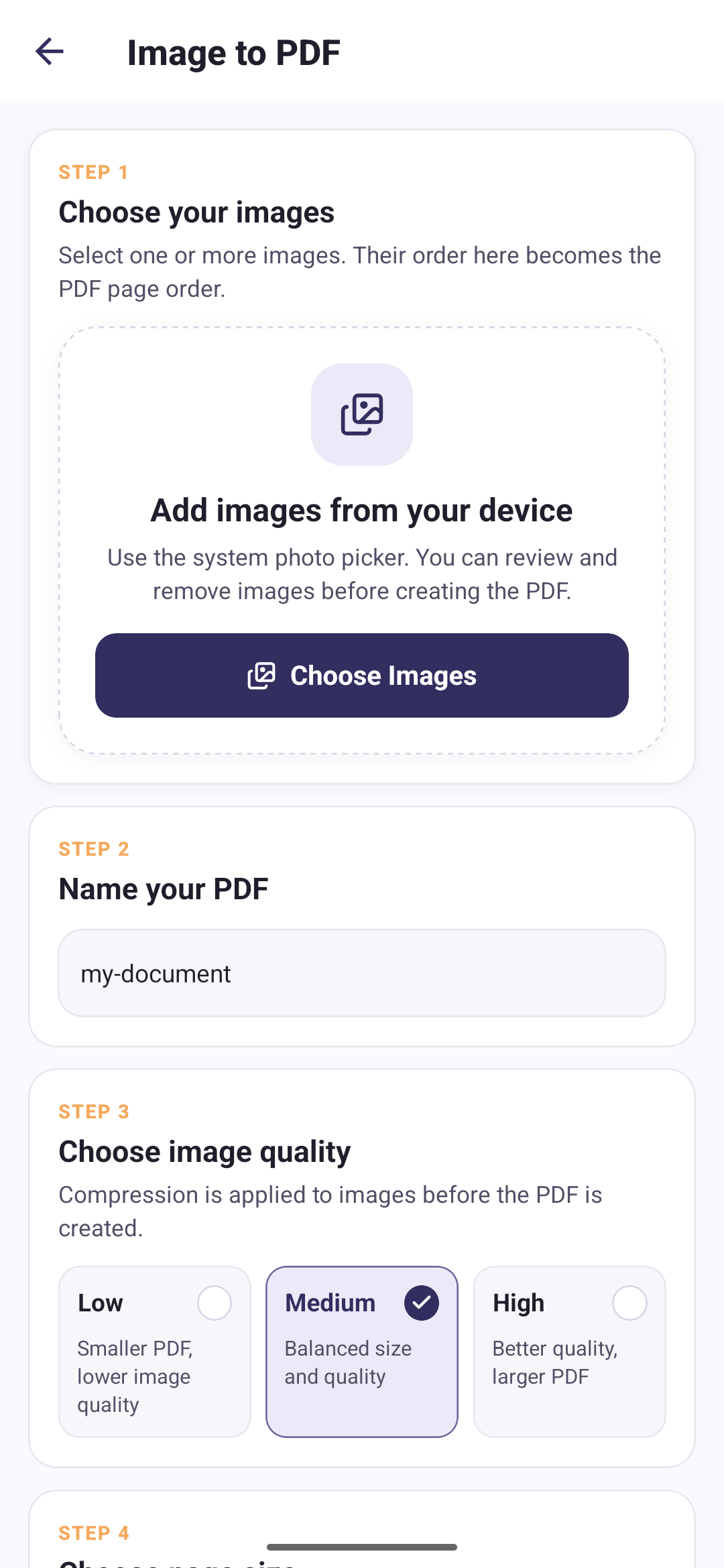
Image to PDF
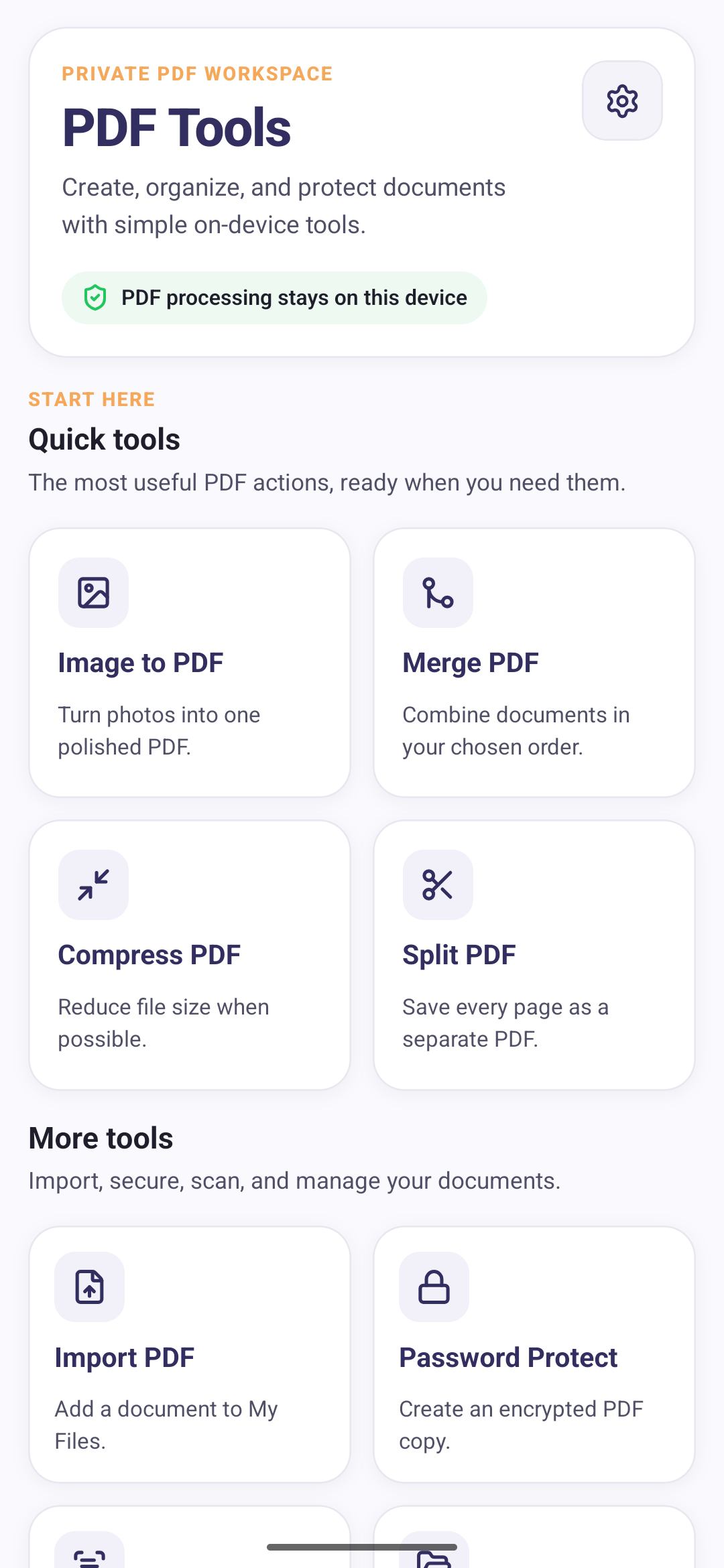
Turn photos into one polished PDF.
Learn moreSeven PDF tools that run on your phone instead of somebody else’s server.
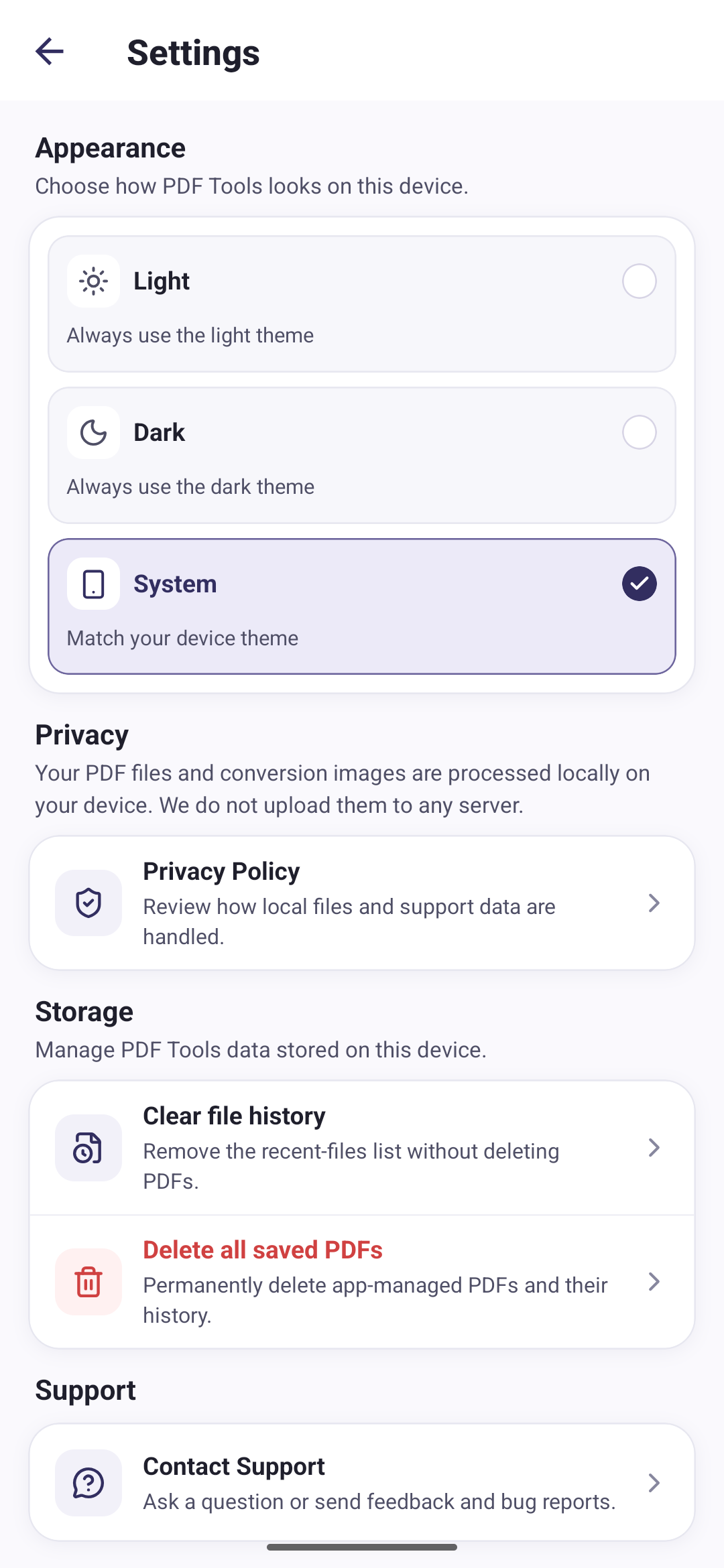
Files are processed locally on your device.
Build a document out of photos, cut down one that is too big to send, or dig out the file you saved last week.
Turn photos into one polished PDF.
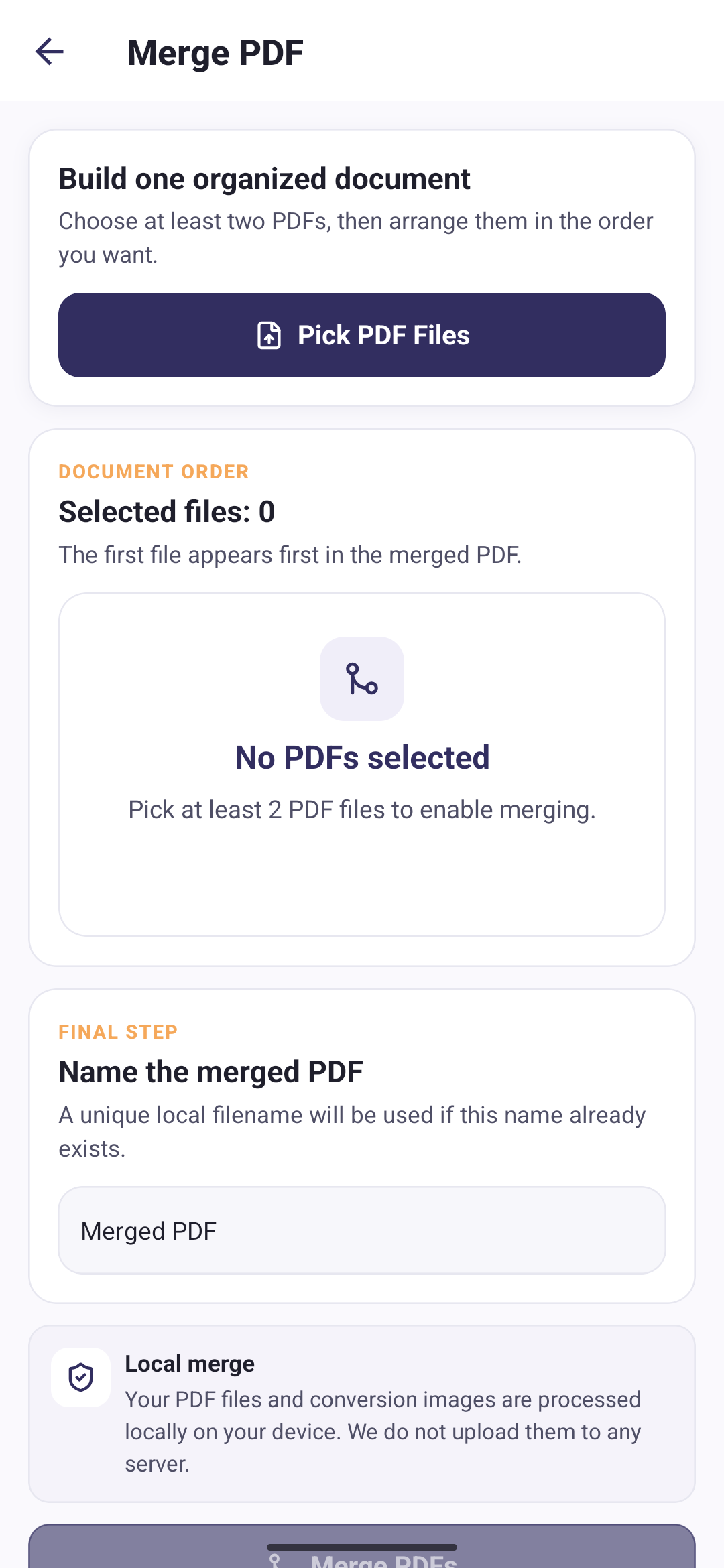
Learn moreCombine documents in your chosen order.
Learn moreAdd a document to My Files.
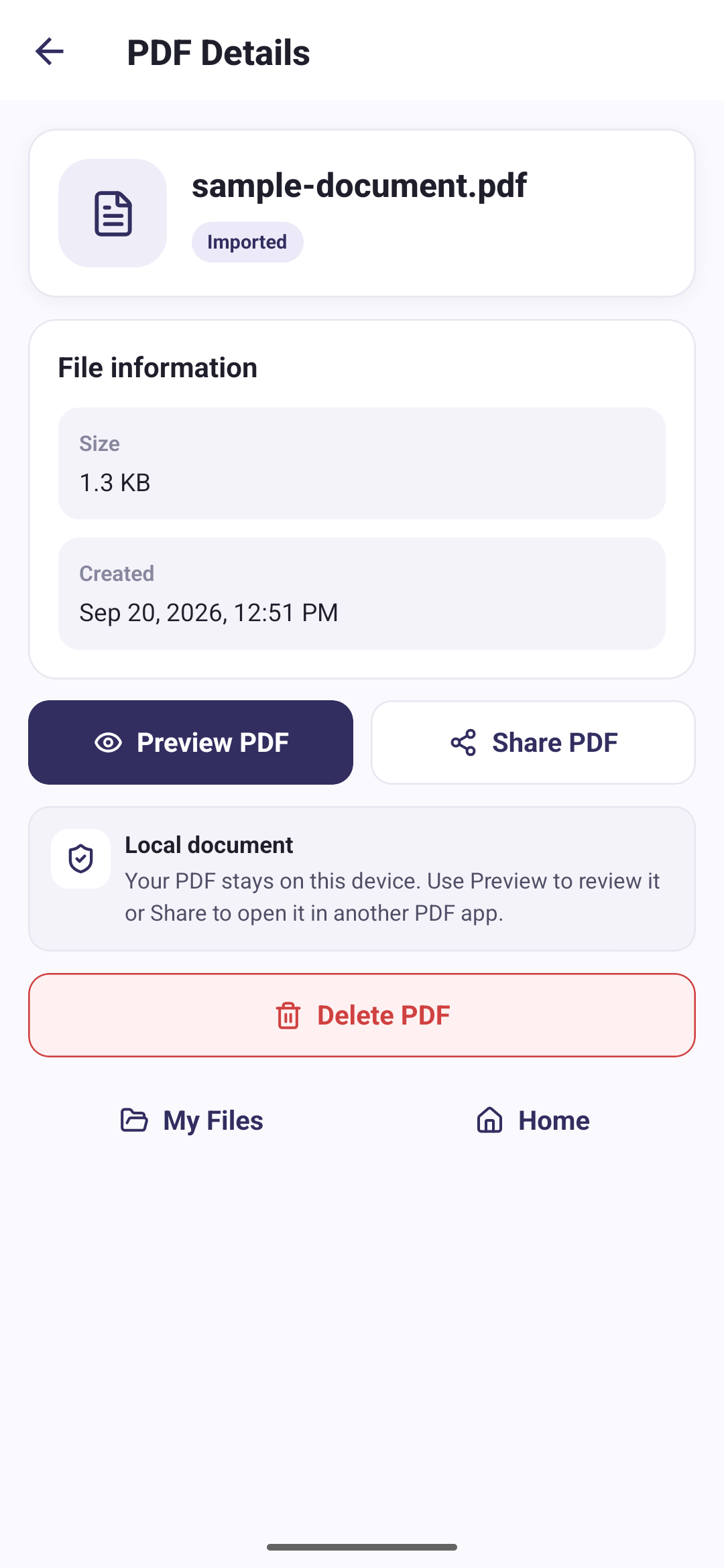
Learn moreOpen and manage saved PDFs.
Open a saved document in the app to review it before sharing or deleting it.
Share documents using the apps and options available on Android.
Remove PDF files you no longer need from your managed library.
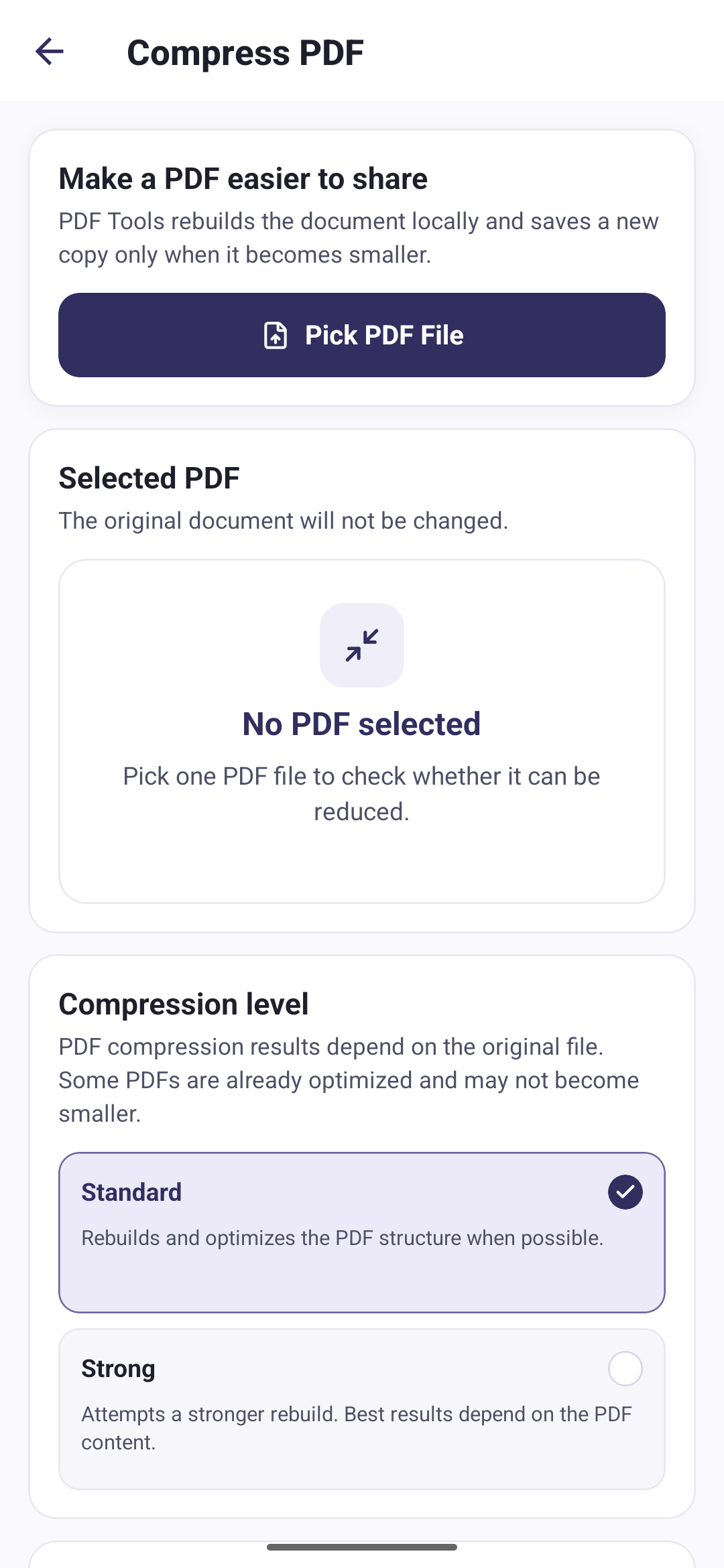
Reduce file size when possible.
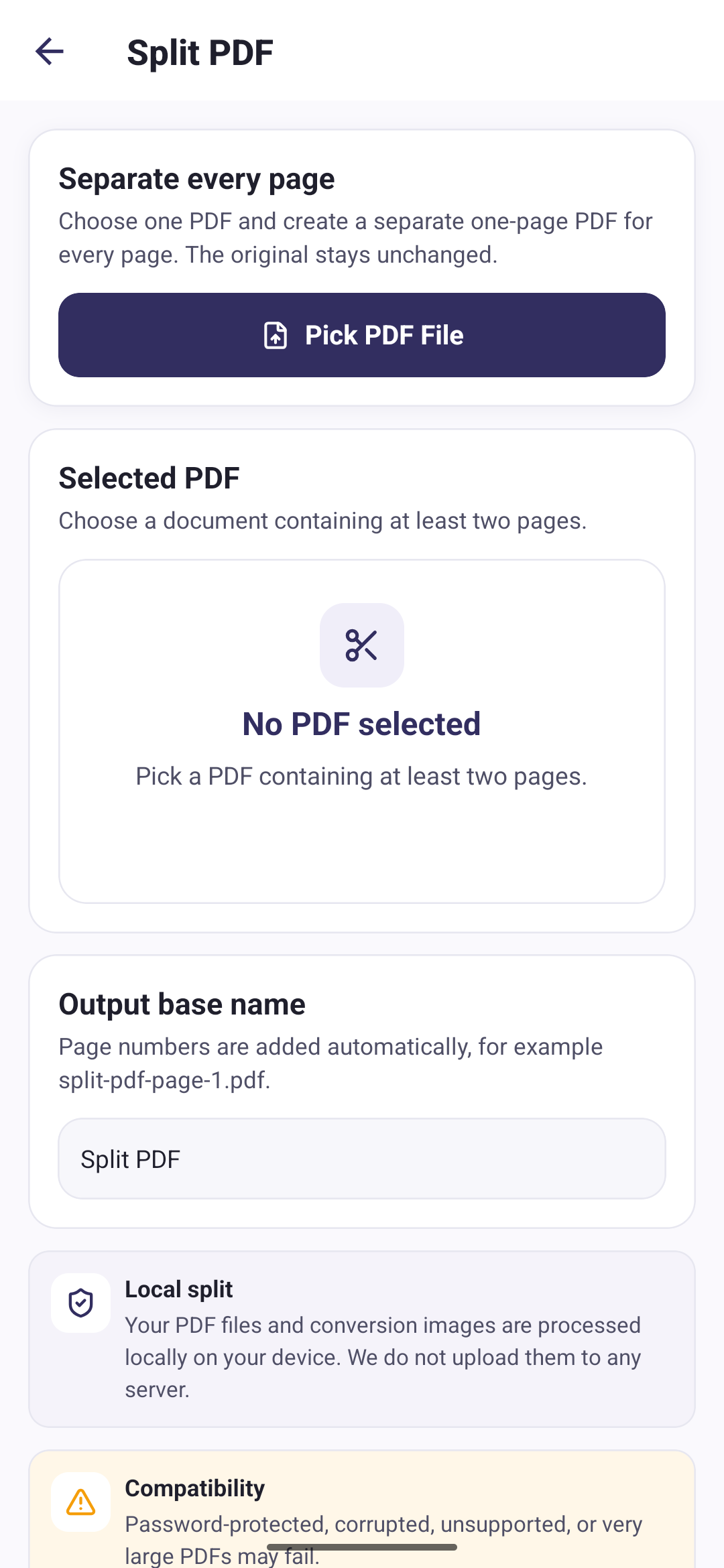
Learn moreSave every page as a separate PDF.
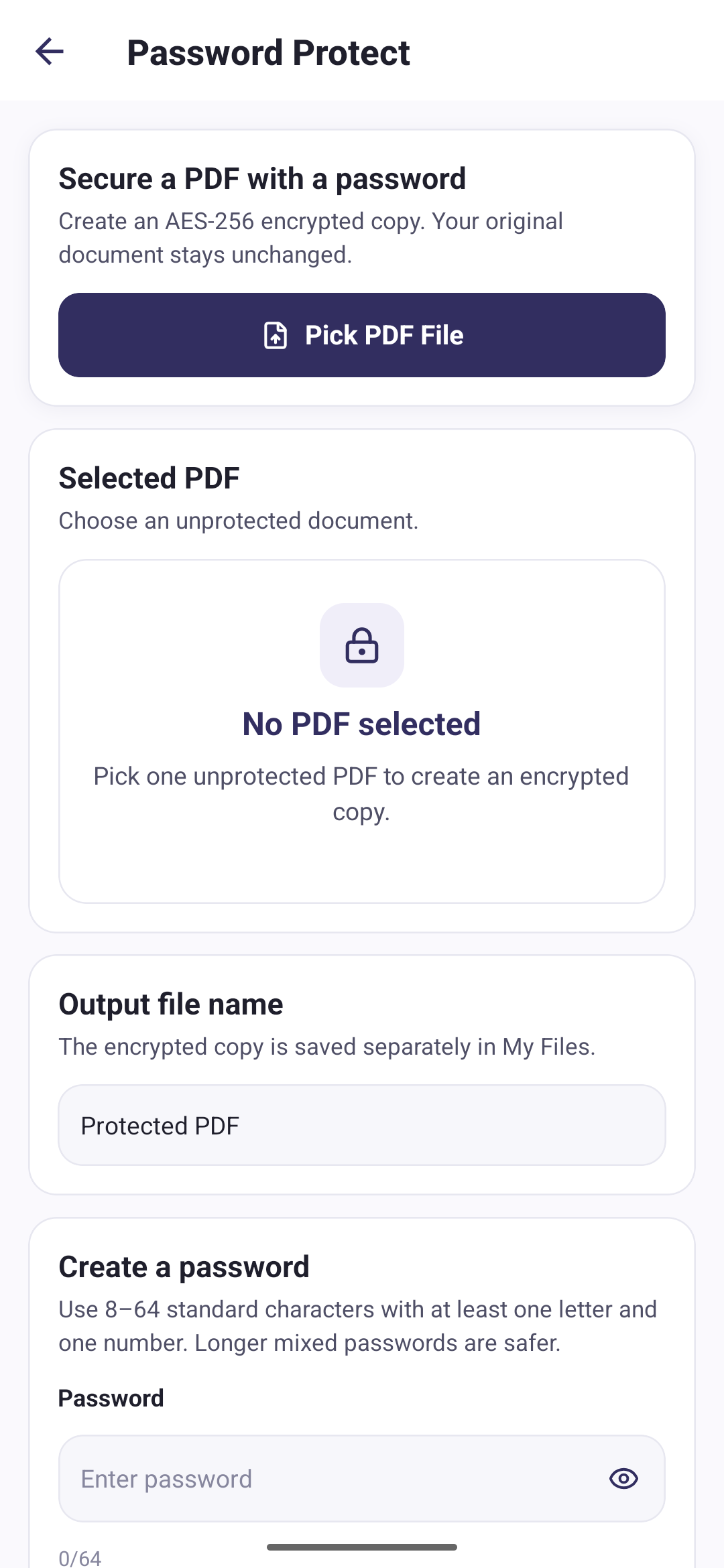
Learn moreCreate an encrypted PDF copy.
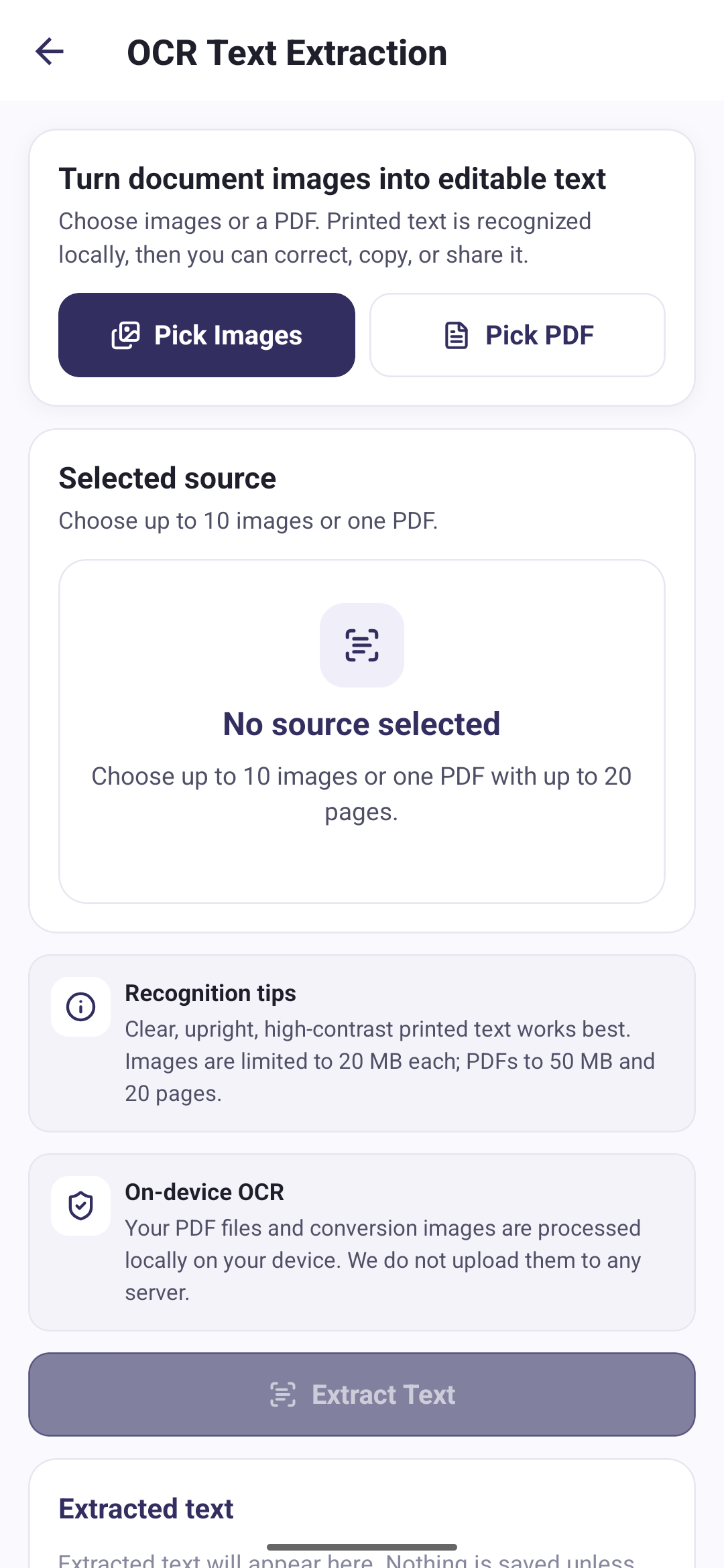
Learn moreExtract editable text on your device.
Learn moreChoose Light, Dark, or System, which follows the theme your device is already set to.
Send a question, suggestion, bug report, or feedback with an optional screenshot, and keep the request ID for reference.
Clear your list of recent files without touching the PDFs themselves, or delete every PDF the app manages along with its history.
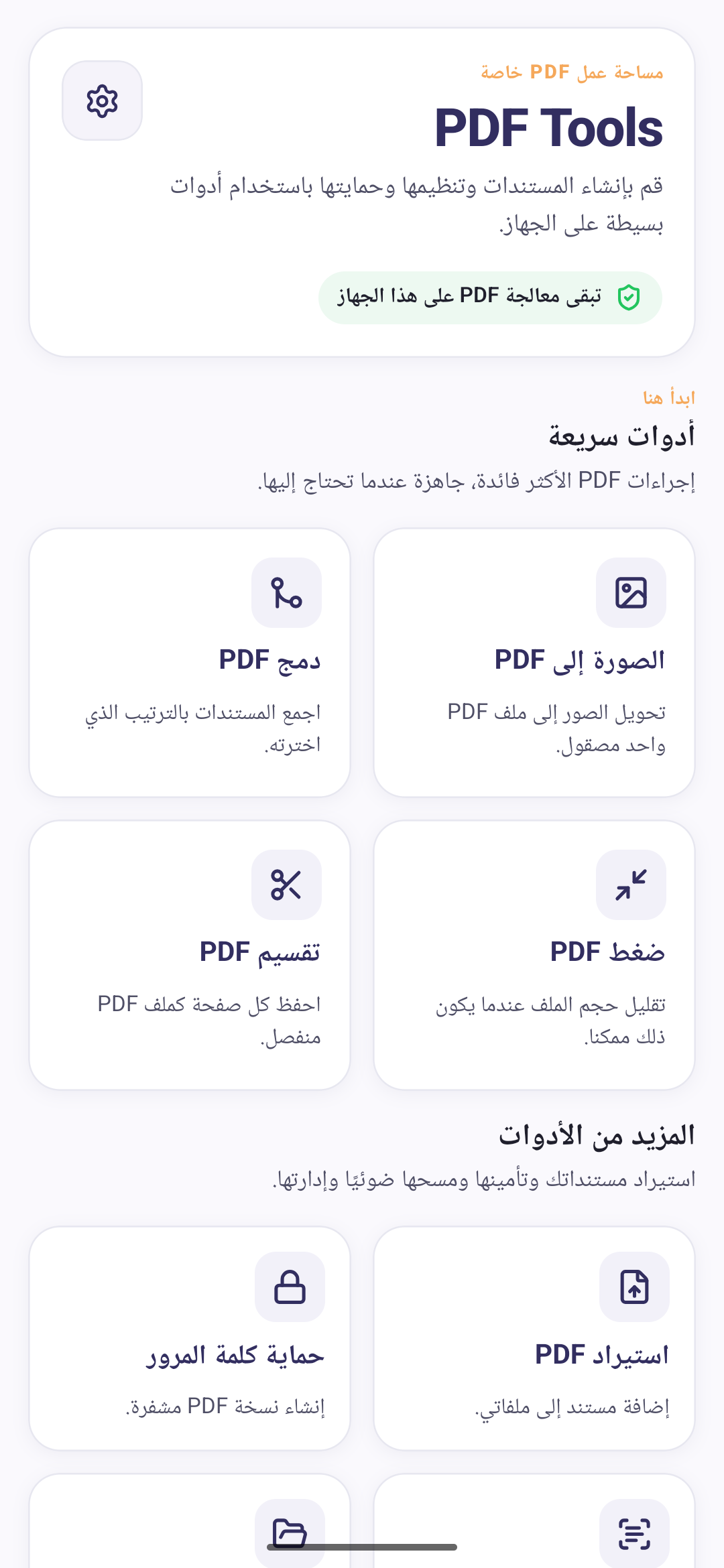
The interface follows your device language across 20 locales, including right-to-left layouts.
Every screen below comes from the current release of the app.
Current availability: PDF Tools is currently available at no cost, without ads or subscriptions. Future advanced features may be added later.
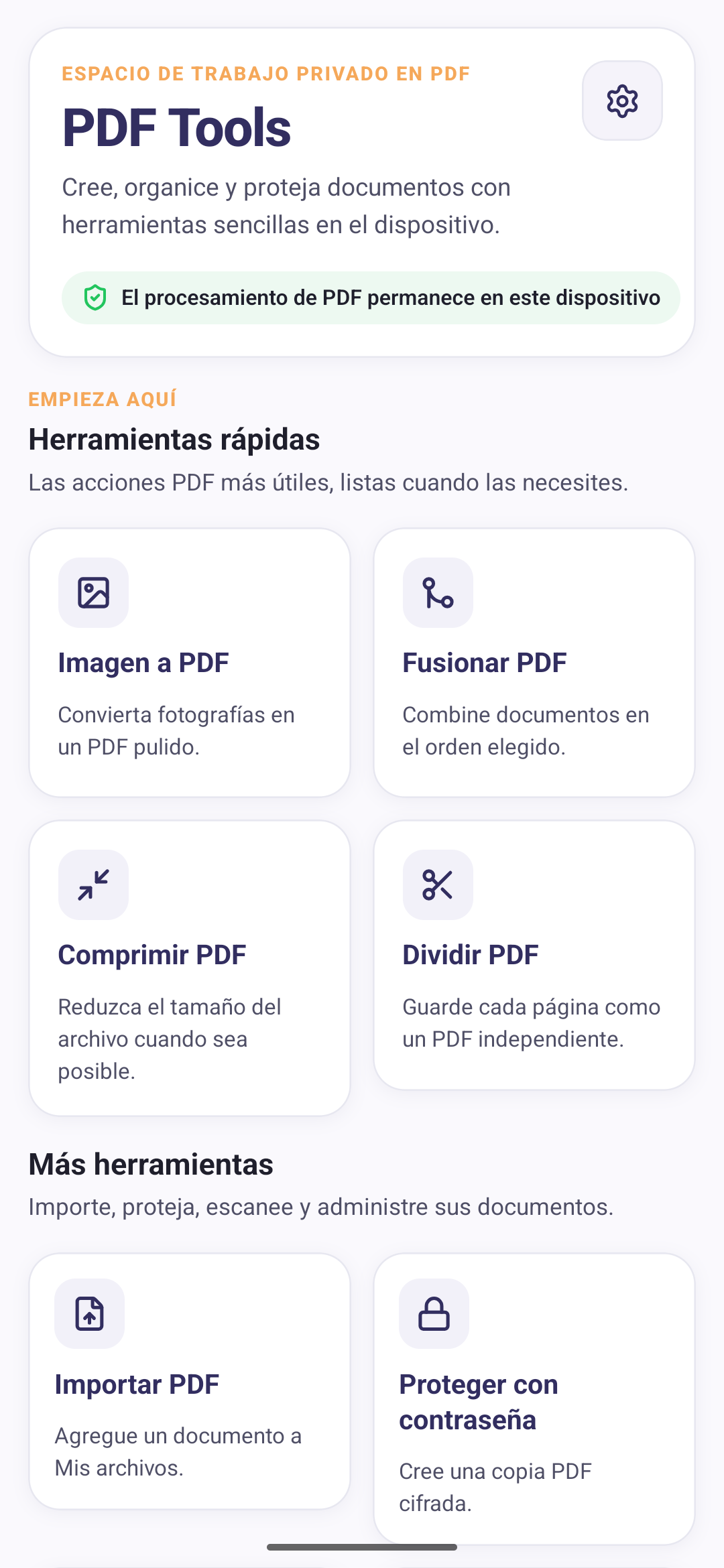
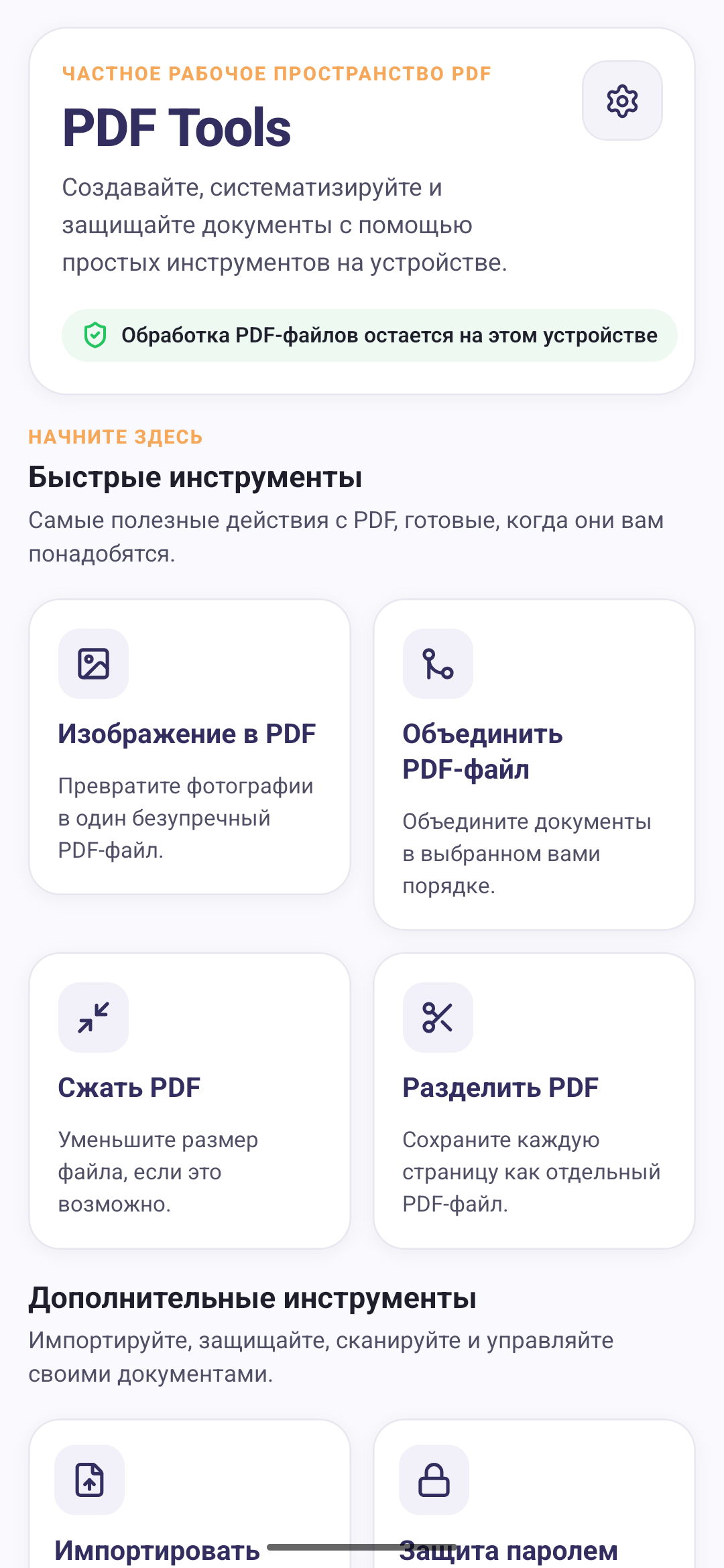
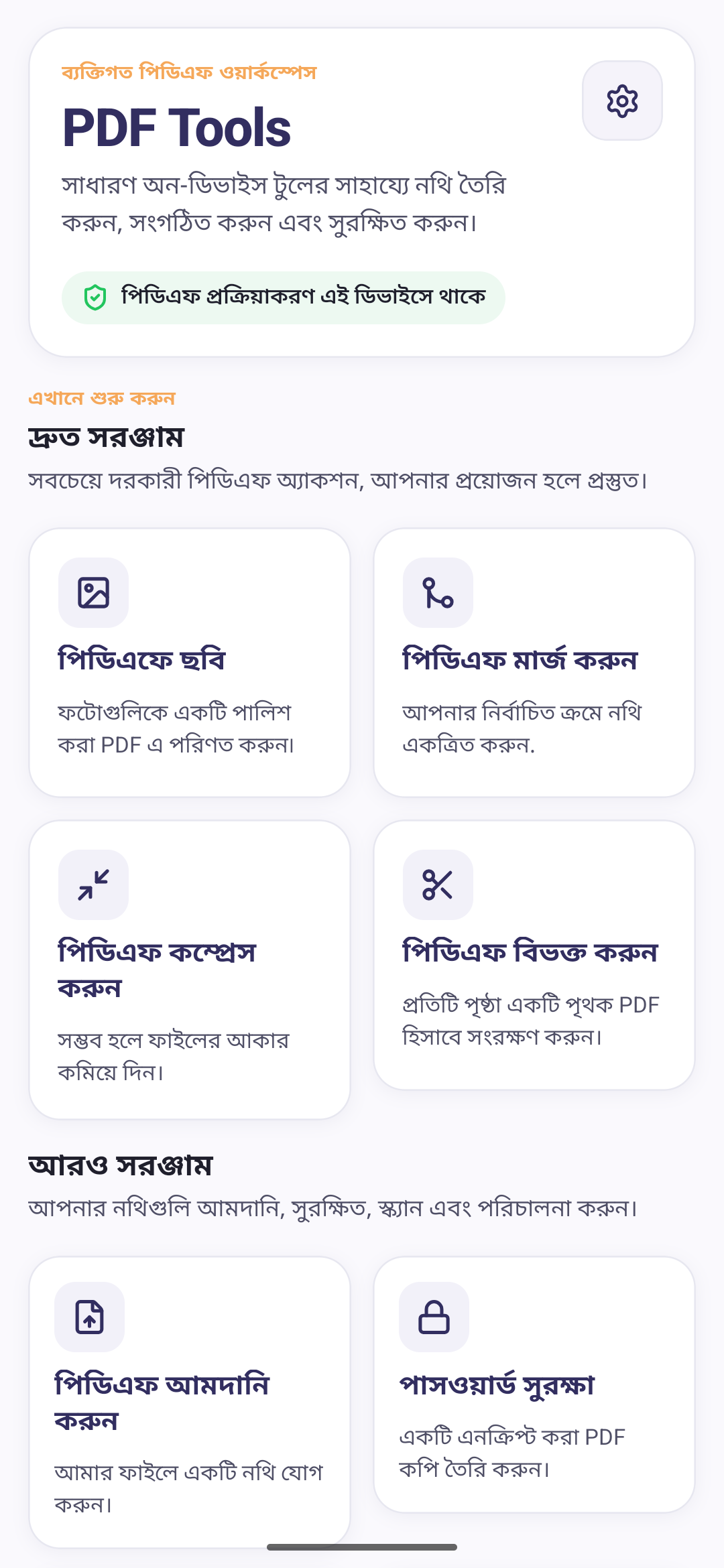
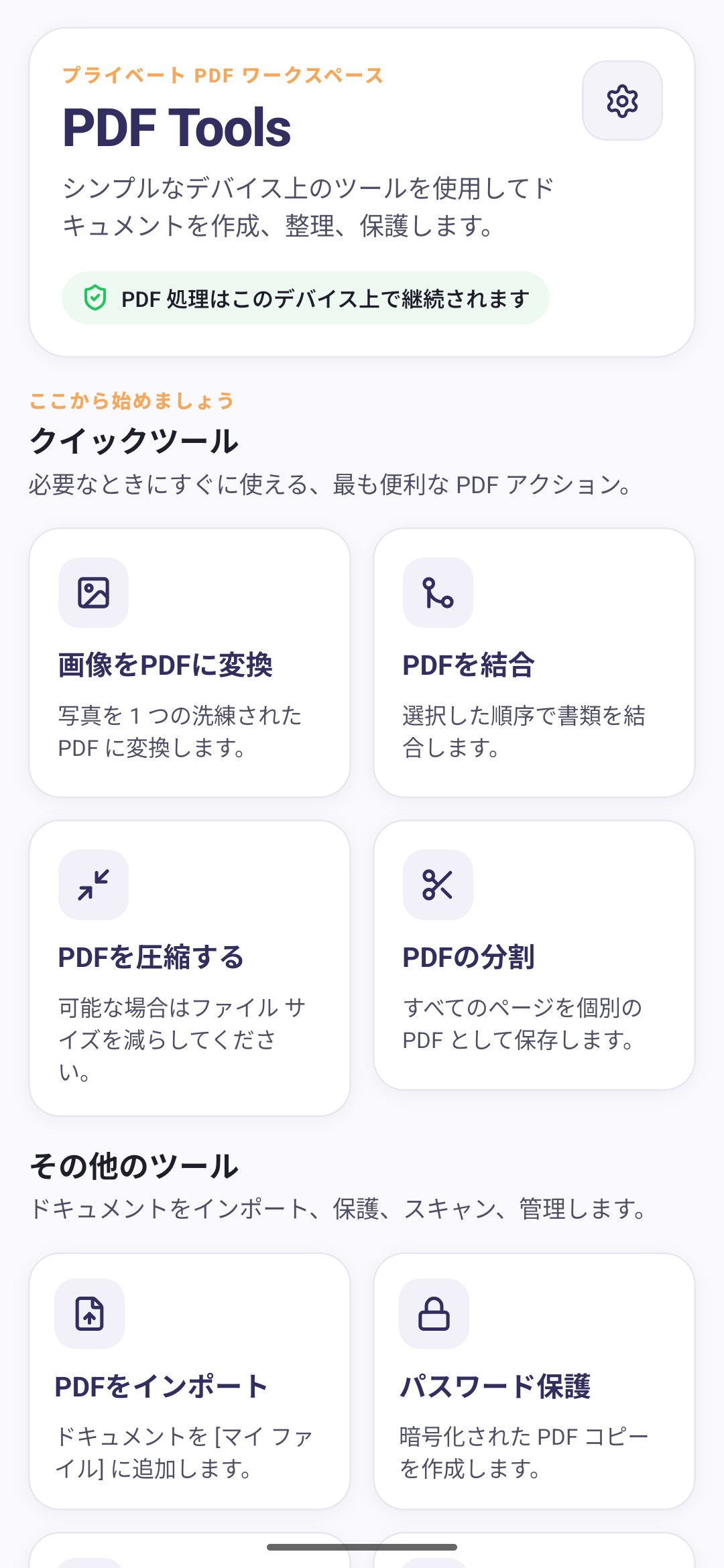
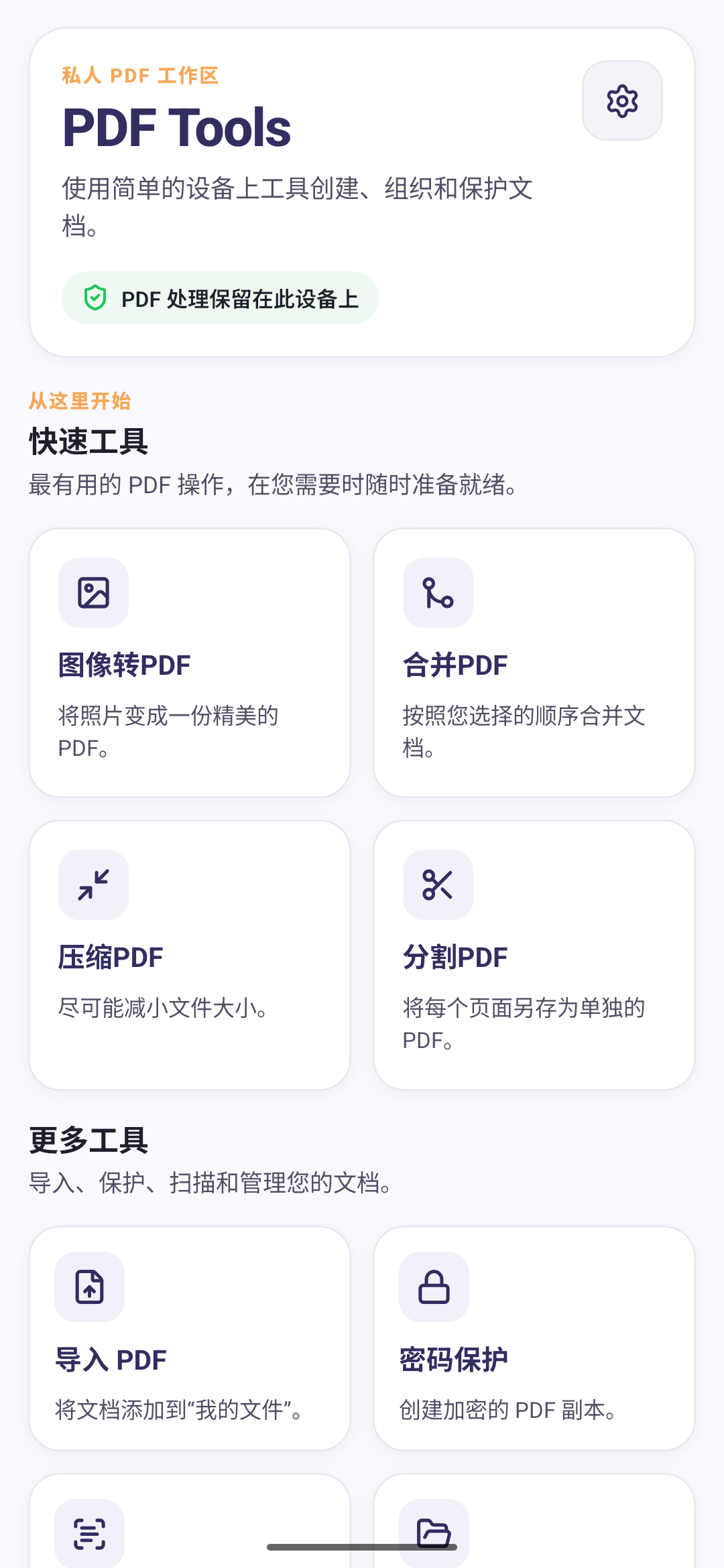
PDF Tools picks up whatever language your Android phone is already set to. If that is one it does not cover, you get English. Arabic reads right to left, and the layout follows.
All of this is the app’s own wording. Your documents are untouched by it, and PDF Tools will not translate a PDF for you.
Every one of these is the same home screen, on a phone set to that language. Notice what Arabic does: the layout flips, so the whole screen reads right to left and not just the words.
PDF Tools processes files locally on your phone. We do not upload your files to any server.