
A smaller copy, or none at all
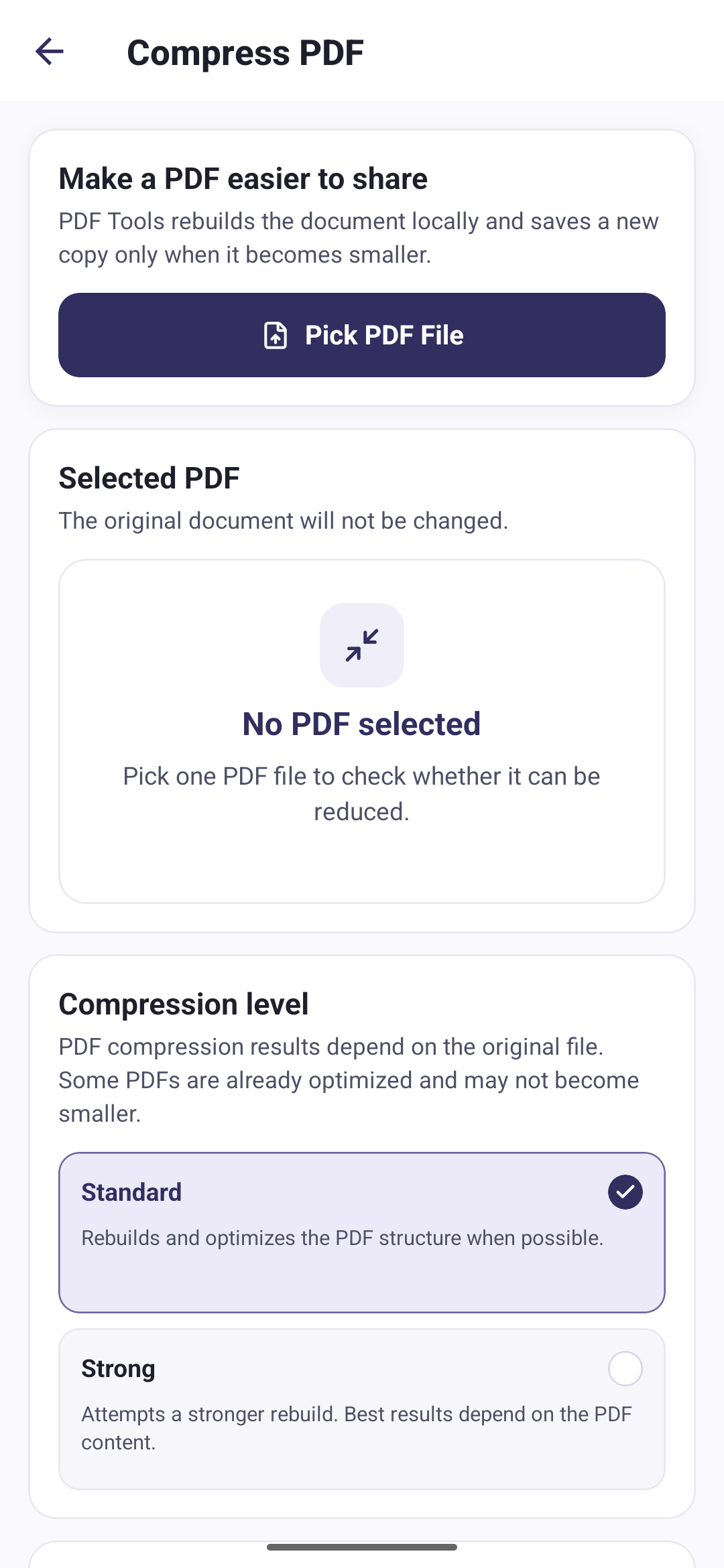
Compress PDF rebuilds the document you select and writes the result as a new file. It is useful when a PDF is too large to email or upload.
- Pick one PDF from your phone
- Choose a compression level
- Compare the original and new size
- Keep the original untouched
Three steps to a smaller file
Pick a PDF
Choose one PDF file from your Android phone.
Choose a level
Pick the level that suits the document you are sending.
Compress
The app rebuilds the PDF on your device and reports the size it saved.
Two levels to choose from
Both levels rebuild the document. Which one helps depends on how the original PDF was put together.
Compression happens on your phone
Your PDF files and conversion images are processed locally on your device. We do not upload them to any server.
Split a PDF into single pages
Merge several PDFs into one
How to reduce PDF file size on Android
Questions about compressing PDFs
Direct answers about this PDF Tools feature.
How much smaller will my PDF get?
It depends entirely on the original file. PDF Tools does not promise a percentage. After compressing, the app shows the original size, the new size, and how much came off, so you can judge the result yourself.
What happens if the PDF cannot be reduced?
The app discards the rebuilt copy and tells you the PDF may already be optimised. No new file is added to My Files.
Does compressing change my original file?
No. The original document is left exactly as it was. The smaller copy is saved as a separate file.
Can I compress a password-protected PDF?
No. A PDF that is already protected with a password cannot be opened for compression. Compression, merging, splitting and text recognition all need an unprotected file.