
Printed text, turned into text you can edit
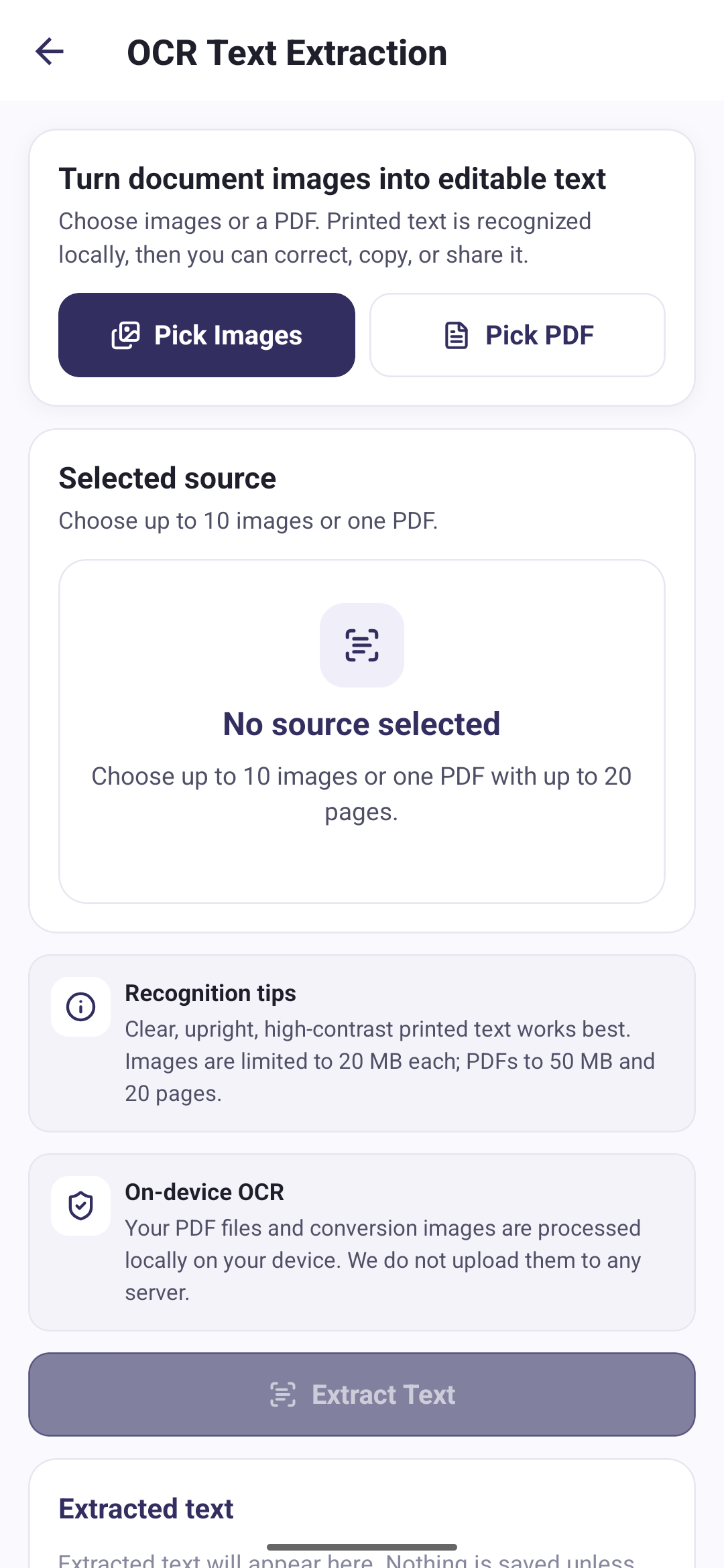
OCR reads printed text from the images or scanned pages you pick and puts the result on screen, where you can correct it before using it.
- Pick images or one PDF
- Recognise printed text on the device
- Edit the result before using it
- Copy or share the text
Three steps from scan to text
Pick a source
Choose up to ten images, or one PDF of up to twenty pages.
Extract
Text is recognised on your phone, page by page.
Use the text
Correct anything the recognition got wrong, then copy or share it.
What it will accept
These limits are enforced by the app, so it is worth knowing them before you start:
- Up to 10 images at a time, or one PDF
- Up to 20 pages in a PDF
- Up to 20 MB per image
- Up to 50 MB for a PDF
- The PDF must not be password-protected
Nothing is saved unless you ask
The recognised text appears in an editable box. It is not added to My Files and it is not kept after you clear it: it leaves the screen only if you copy it to the clipboard or share it. Sharing writes a temporary text file, hands it to the Android share sheet, and deletes it again.
Recognition runs on your phone
Your PDF files and conversion images are processed locally on your device. We do not upload them to any server.
Questions about text recognition
Direct answers about this PDF Tools feature.
Does OCR need an internet connection?
No. The recognition model ships inside the app, so text recognition runs on your device and works offline. Your images, PDFs and the recognised text are never uploaded. The Google ML Kit component that performs recognition sends Google basic diagnostics about itself, never your content, as the Privacy Policy explains.
Does it create a searchable PDF?
No. The output is plain text that you can edit, copy or share. The app does not write the recognised text back into a PDF.
Which languages can it read?
The app bundles the Latin-script recognition model, so it reads printed Latin text. There is no language selection, and it does not translate what it recognises.
Can it read handwriting?
It is built for printed text. Clear, upright, high-contrast printed text gives the best result.
Is the recognised text saved anywhere?
Not unless you act on it. The text stays on the results screen until you copy or share it, and it is not added to My Files.