
An encrypted copy, made on the device
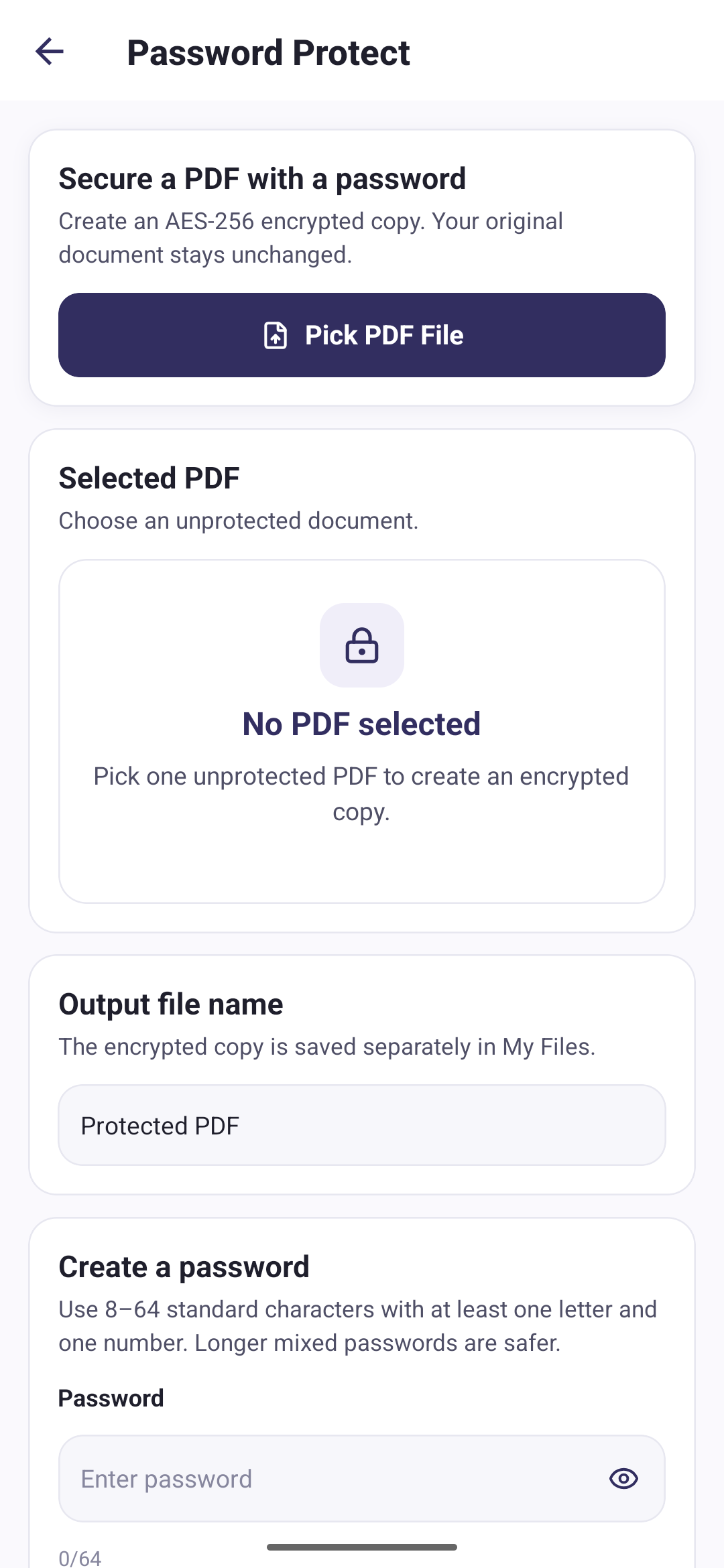
Password protection encrypts the PDF you select and saves the result as a separate file. Opening that file afterwards requires the password you chose.
- Pick one unprotected PDF
- Set and confirm a password
- Get an encrypted copy
- Keep the original untouched
Three steps to an encrypted PDF
Pick a PDF
Choose a document that is not already password-protected.
Set a password
Enter it twice so a typing mistake cannot lock you out.
Protect
The encrypted copy is created on your device and added to My Files.
AES-256, following the PDF standard
The document is encrypted with AES-256 using the PDF standard security handler defined in ISO 32000-2, revision 6. All of it happens on your phone: the file is read, encrypted and written locally, and nothing is sent anywhere.
What the app asks for
The password has to meet a few rules before the app will use it:
- Between 8 and 64 characters
- At least one letter and one number
- Standard letters, numbers, spaces and symbols only
- No space at the very start or end
- Typed identically in the confirm field
Encryption happens on your phone
Your PDF files and conversion images are processed locally on your device. We do not upload them to any server.
Compress a PDF before sending it
Split a PDF into single pages
How to password protect a PDF on Android
Questions about protecting PDFs
Direct answers about this PDF Tools feature.
Can PDF Tools remove a password from a PDF?
No. The app only adds protection. It cannot remove a password, change one, or open a PDF that is already encrypted.
What happens if I forget the password?
The file cannot be opened again. The password is never stored or transmitted, so there is no copy anywhere for the app or its developer to recover.
Is my password sent anywhere?
No. It is used on your device to encrypt the file and is then discarded. It is not saved, uploaded or written to any log.
What encryption does it use?
AES-256, following the standard security handler described in the PDF specification ISO 32000-2, revision 6.